How to Check PF Amount – Online, SMS, Missed Call, UAN Portal & Mobile App Guide
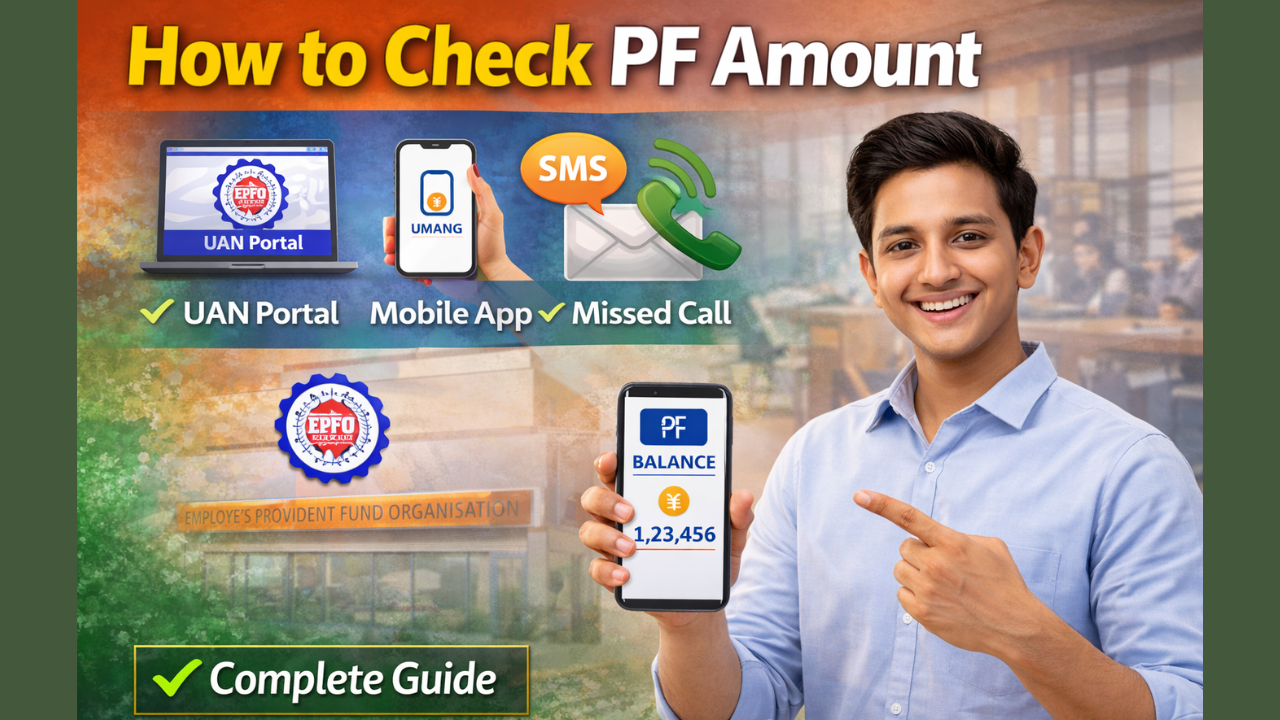
“How to Check PF Amount” The Employees’ Provident Fund (EPF) is a government-backed savings scheme managed by the Employees’ Provident Fund Organisation (EPFO) for salaried employees in India. Both the employee and employer contribute a fixed percentage of the employee’s salary every month to the PF account. This amount accumulates over time and can be withdrawn at retirement or under specific conditions such as unemployment, medical emergencies, or house purchase. Checking your PF balance regularly helps you track your savings, verify employer contributions, and plan your financial future. EPFO provides multiple easy ways to check your PF amount, including online portals, mobile apps, SMS, and missed call services.
What is PF and Why Should You Check Your PF Balance?
Provident Fund (PF) is a long-term retirement savings scheme where 12% of your basic salary and dearness allowance is contributed by you, and an equal contribution is made by your employer. The amount earns interest every year as declared by the government. Checking your PF balance ensures that your employer is depositing the correct amount and that your account is active. It also helps you estimate the funds available for withdrawal or transfer when changing jobs.
Method 1: Check PF Amount Through UAN Member Portal (Online)
The UAN (Universal Account Number) Member Portal is the official EPFO website where members can check their PF balance online.
Step-by-step process:
- Visit the official UAN portal: https://unifiedportal-mem.epfindia.gov.in
- Log in using your UAN number, password, and captcha code.
- After login, go to the “View” section.
- Click on “Passbook” or “View PF Balance.”
- Select your Member ID to see your PF balance, monthly contributions, and interest credited.
This method gives complete details of employee contribution, employer contribution, and total balance.
Method 2: Check PF Amount Using EPFO Passbook Portal
EPFO also provides a separate passbook facility.
Steps:
- Visit: https://passbook.epfindia.gov.in
- Log in using your UAN and password.
- Select your PF Member ID.
- Your PF passbook will open showing total balance and transaction history.
Method 3: Check PF Amount Through UMANG App
The UMANG (Unified Mobile Application for New-age Governance) app is an official Government of India app that allows you to access EPFO services.
Steps:
- Download the UMANG app from Google Play Store or Apple App Store.
- Register with your mobile number and verify using OTP.
- Open the app and select EPFO services.
- Choose Employee Centric Services → View Passbook.
- Enter your UAN and OTP received on your registered mobile number.
Your PF balance will be displayed on the screen.
Method 4: Check PF Amount by SMS
If your UAN is linked with your mobile number, you can check your PF balance by SMS.
Format:
Send SMS to 7738299899
Type:
EPFOHO UAN ENG
You can also receive the message in other languages such as Hindi, Tamil, Telugu, Marathi, Bengali, and Gujarati by replacing “ENG” with the language code.
Method 5: Check PF Amount by Missed Call
This is the easiest method.
Steps:
- Make sure your UAN is linked with your bank account and mobile number.
- Give a missed call to 9966044425 from your registered mobile number.
- You will receive an SMS with your PF balance details.
Information You Can See in PF Balance
When you check your PF amount, you can see:
- Employee contribution
- Employer contribution
- Total PF balance
- Interest credited
- Monthly transaction history
- PF account status (active or inactive)
Important Requirements to Check PF Balance
To use online and SMS services, you must:
- Have an active UAN number
- Link your mobile number with UAN
- Complete KYC (Aadhaar, PAN, Bank Account)
- Activate your UAN on the EPFO portal
Official Links (EPFO)
UAN Member Portal:
https://unifiedportal-mem.epfindia.gov.in
EPFO Passbook Portal:
https://passbook.epfindia.gov.in
EPFO Official Website:
https://www.epfindia.gov.in
UMANG App Website:
https://www.umang.gov.in
FAQs – How to Check PF Amount
Q1. What is PF balance?
PF balance is the total amount accumulated in your EPF account including your contribution, employer’s contribution, and interest.
Q2. Can I check PF balance without UAN?
No, UAN is required to check PF balance through official online methods.
Q3. Is it free to check PF balance?
Yes, all EPFO services for checking PF balance are completely free.
Q4. How often is PF balance updated?
PF balance is usually updated monthly after employer deposits the contribution.
Q5. Can I check PF balance if I changed jobs?
Yes, if your old and new PF accounts are linked to the same UAN, you can view both balances.
Q6. What should I do if PF balance is not showing?
You should contact your employer or raise a grievance on the EPFO portal.
Q7. Can I withdraw PF after checking balance?
Yes, you can apply for PF withdrawal online through the UAN portal if you meet eligibility conditions.
Q8. Is PF interest taxable?
PF interest is tax-free up to the limit prescribed by the government, subject to conditions.
Conclusion
Checking your PF amount is very important for managing your retirement savings and ensuring that your employer is depositing the correct contribution every month. EPFO has made the process simple by providing multiple options such as the UAN portal, passbook portal, UMANG app, SMS, and missed call service. Employees should regularly check their PF balance and keep their UAN and KYC details updated. By using official EPFO portals only, you can safely access your PF information and plan your future financial needs.
How to Download Voter ID Card Online (e-EPIC) – Step-by-Step Guide

YojanaVichar.com एक डिजिटल प्लेटफ़ॉर्म है जो भारत की केंद्र और राज्य सरकार की योजनाओं, कल्याण कार्यक्रमों और जन पहल से जुड़ी नवीनतम जानकारी और मार्गदर्शन प्रदान करता है। इसका उद्देश्य नागरिकों को सही व विश्वसनीय जानकारी देकर सशक्त बनाना है। यहाँ योजनाओं की पात्रता, लाभ, आवेदन प्रक्रिया और आधिकारिक सूचनाएँ सरल भाषा में उपलब्ध कराई जाती हैं। यह प्लेटफ़ॉर्म नियमित अपडेट और तथ्य-जाँच के साथ नागरिकों तक नीतिगत जानकारी पारदर्शिता से पहुँचाता है।